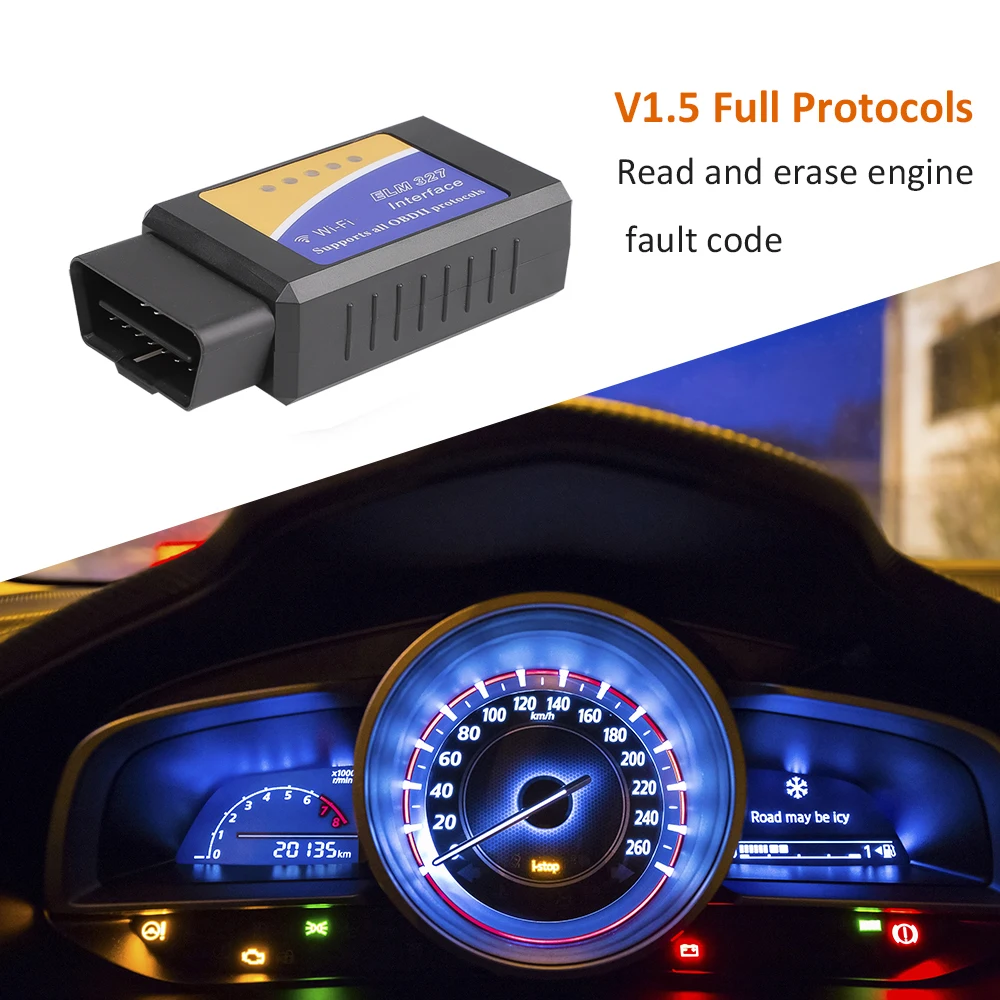
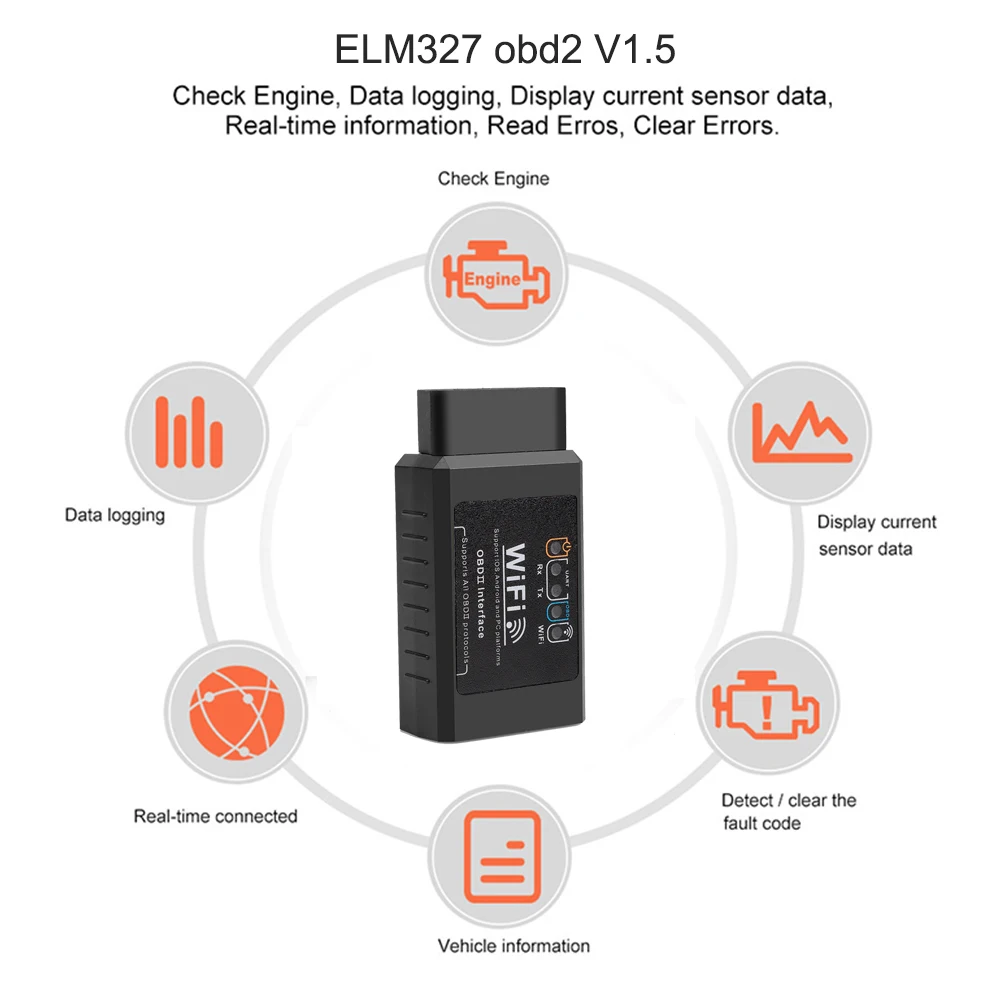
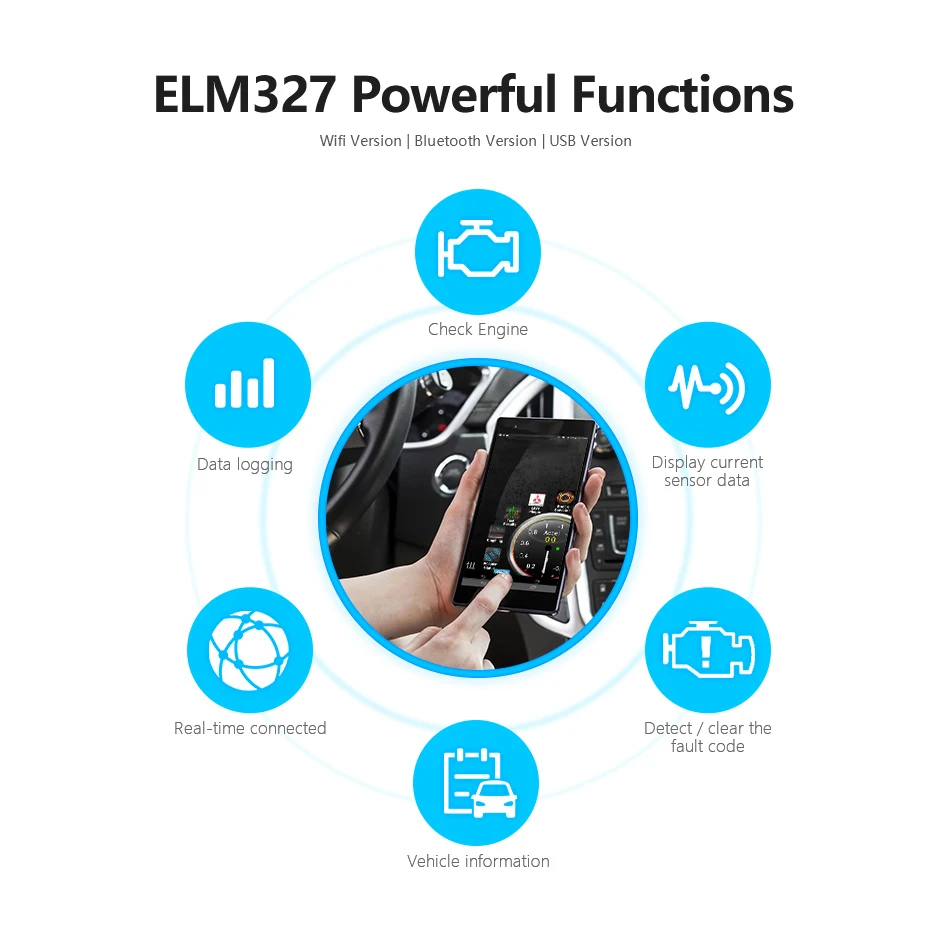
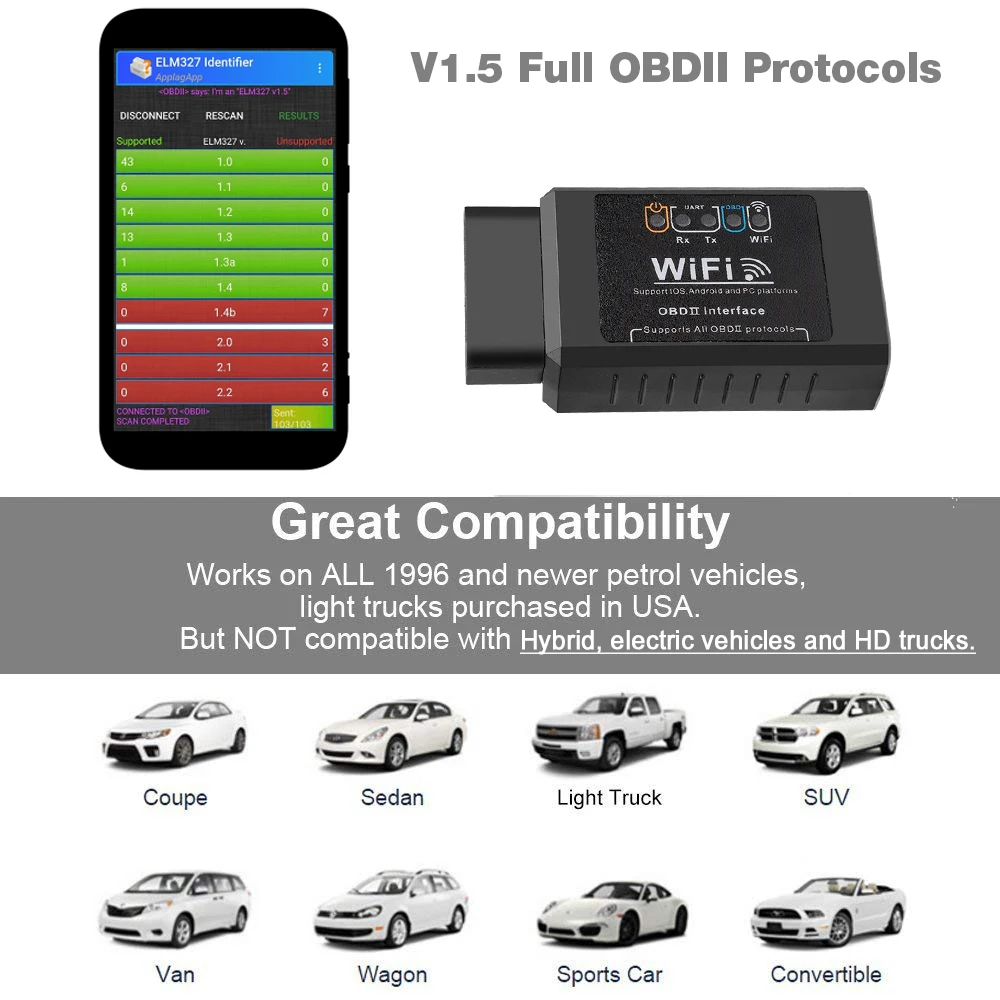
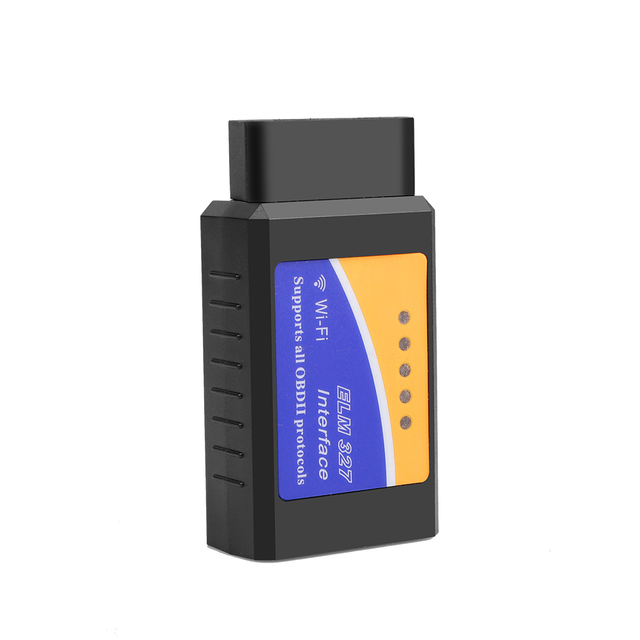
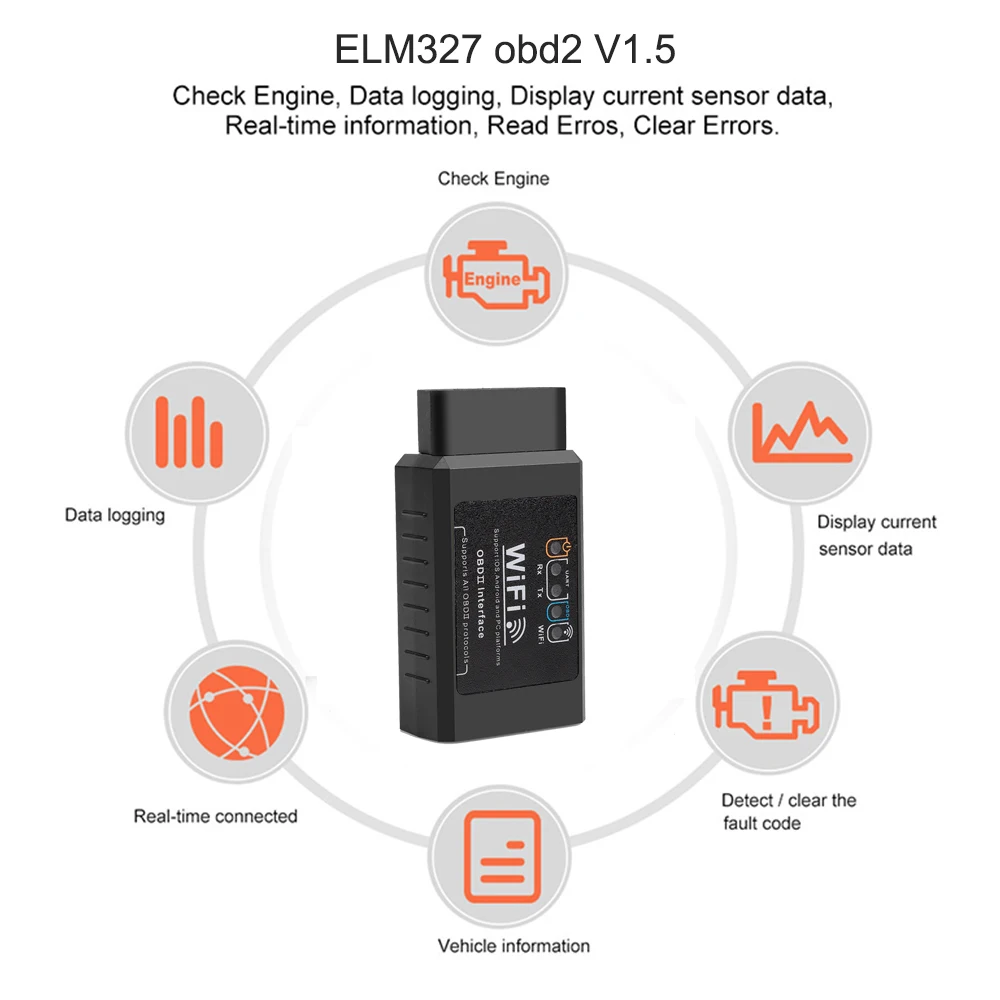
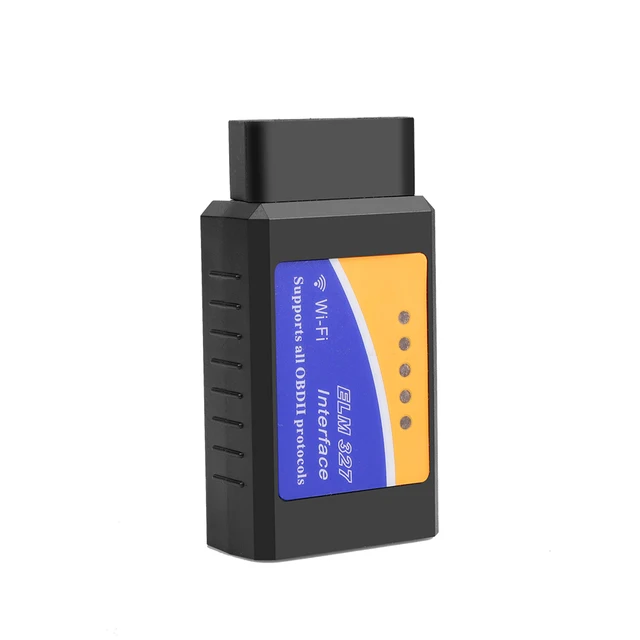
ELM327 V1.5 WIFI Functions:
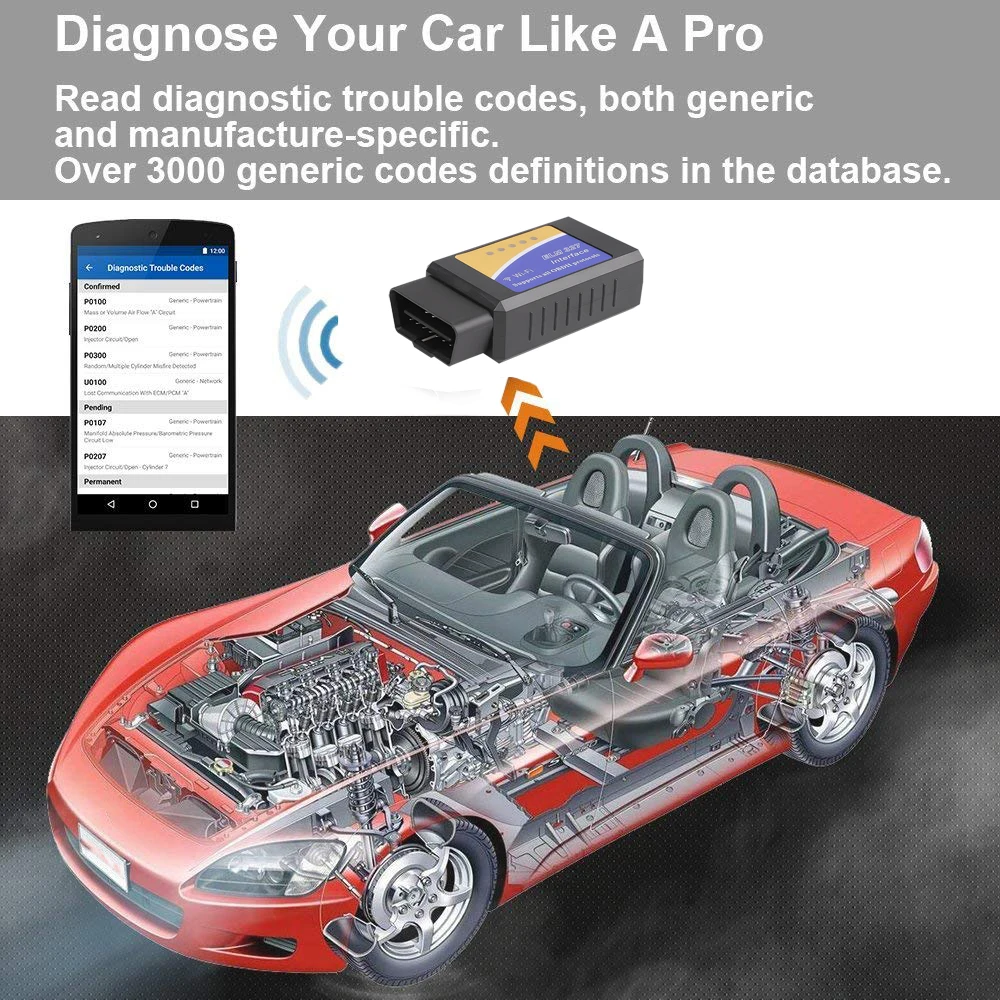
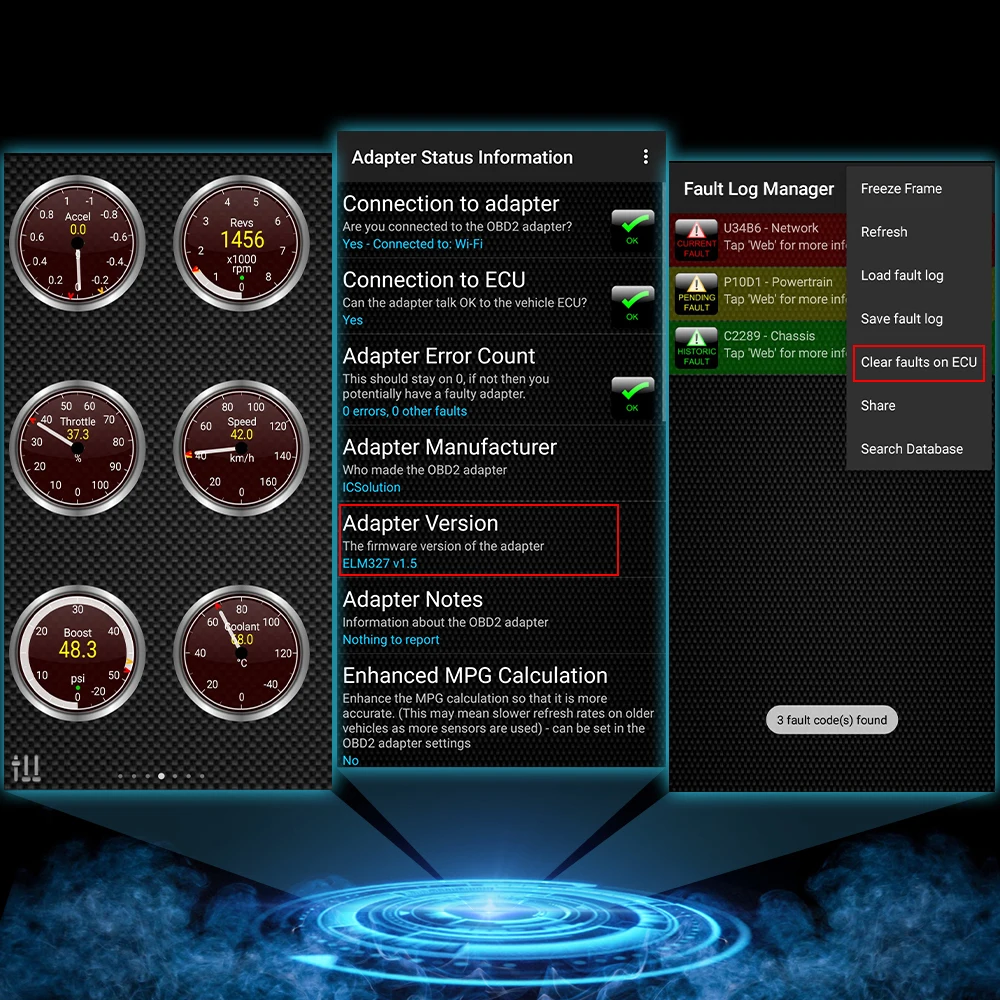
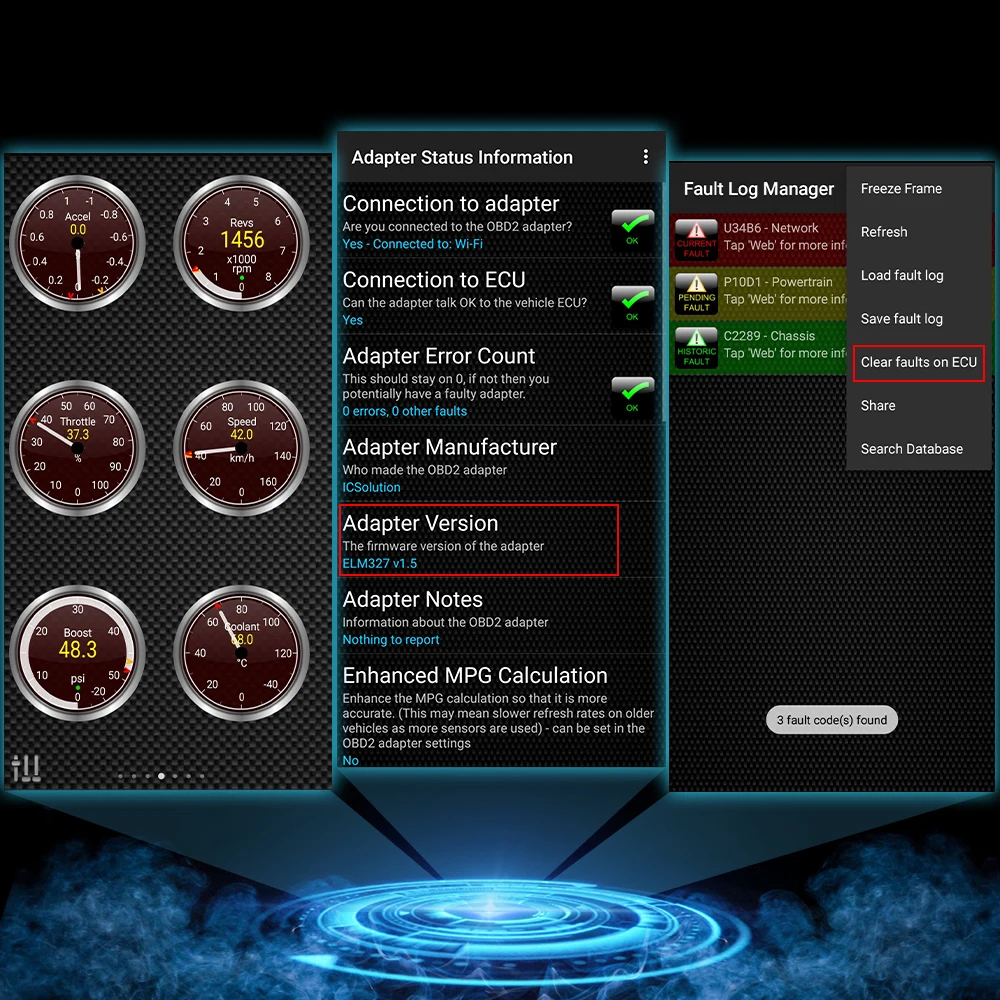
1: Read diagnostic trouble codes, both generic and manufacturer-specific, and display their meaning (over 3000 generic code definitions in the database).
2: Clear trouble codes and turn off the MIL ( \\\\\\\'\\\\\\\'Check Engine\\\\\\\'\\\\\\\' light)
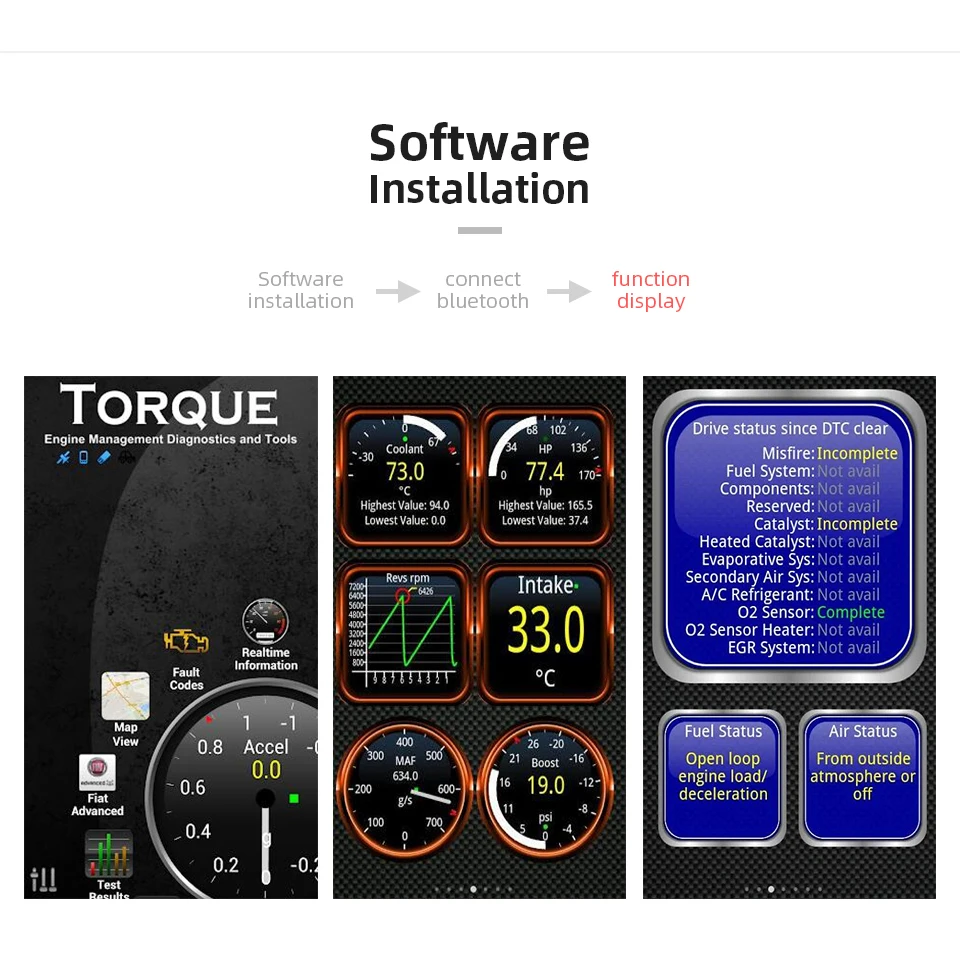
3: Display current sensor data
4: Engine RPM5: Calculated Load Value
6: Coolant Temperature
7: Fuel System Status
8: Vehicle Speed
9: Short Term Fuel Trim
10: Long Term Fuel Trim
11: Intake Manifold Pressure
12: Timing Advance
13: Intake Air Temperature
14: Air Flow Rate
15: Absolute Throttle Position
16: Oxygen sensor voltages / associated short term fuel trims
17: Fuel System status
18: Fuel Pressure19: Many others
ELM327 WIFI Connection Steps:
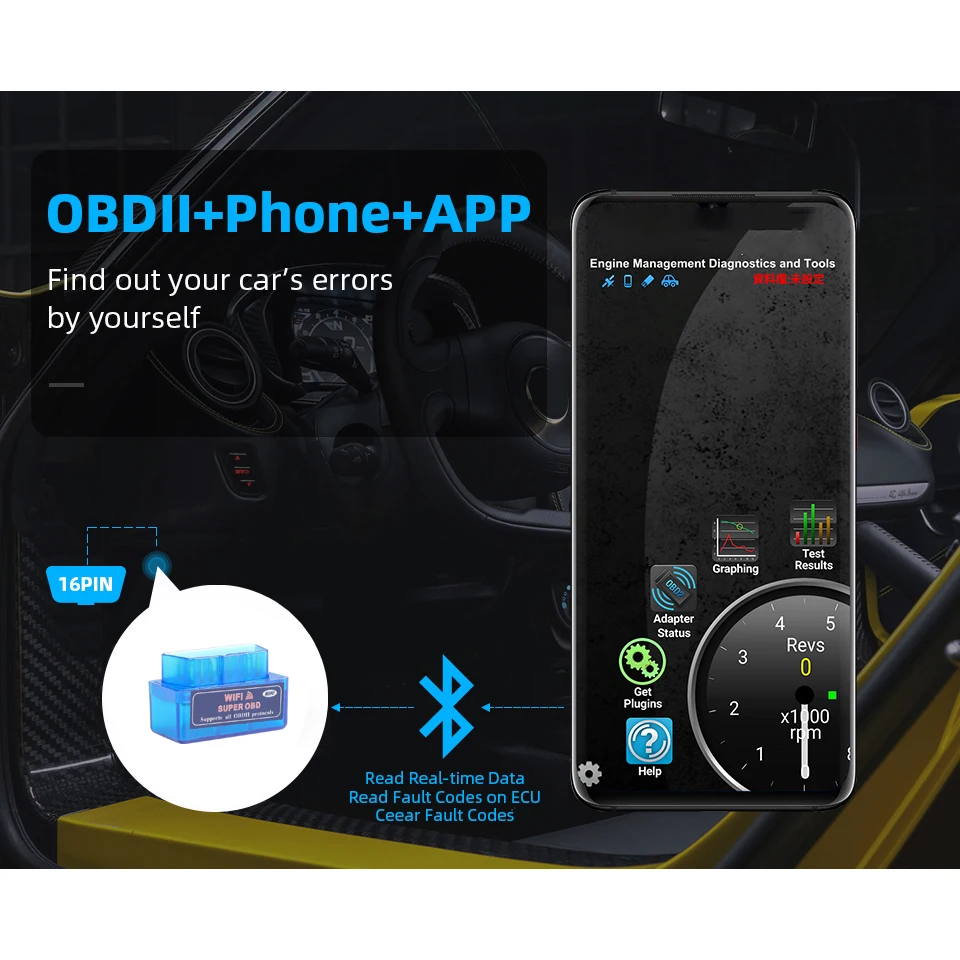
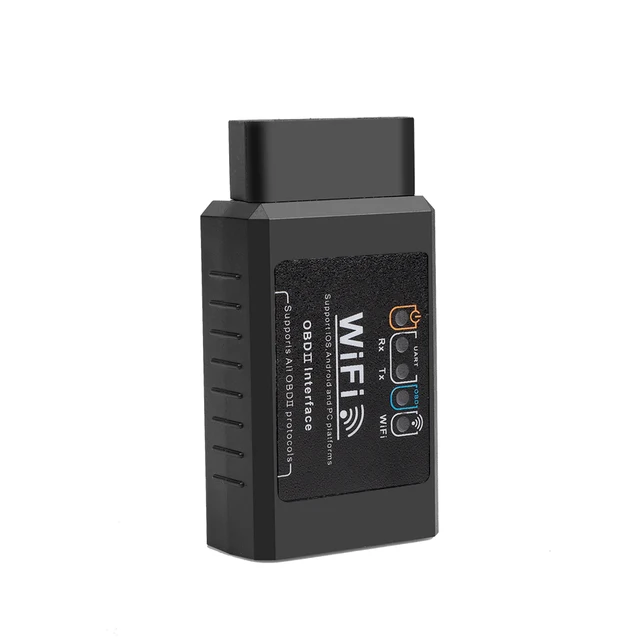
①.Open the \\\\\\\'\\\\\\\'setting\\\\\\\'\\\\\\\'of your Android,then choose the \\\\\\\'\\\\\\\'WLAN\\\\\\\'\\\\\\\' and search WIFI from ELM327: WIFI_OBDII, then will connect successfully (Note: The adapter doesn\\\\\\\'t provide network)
②.
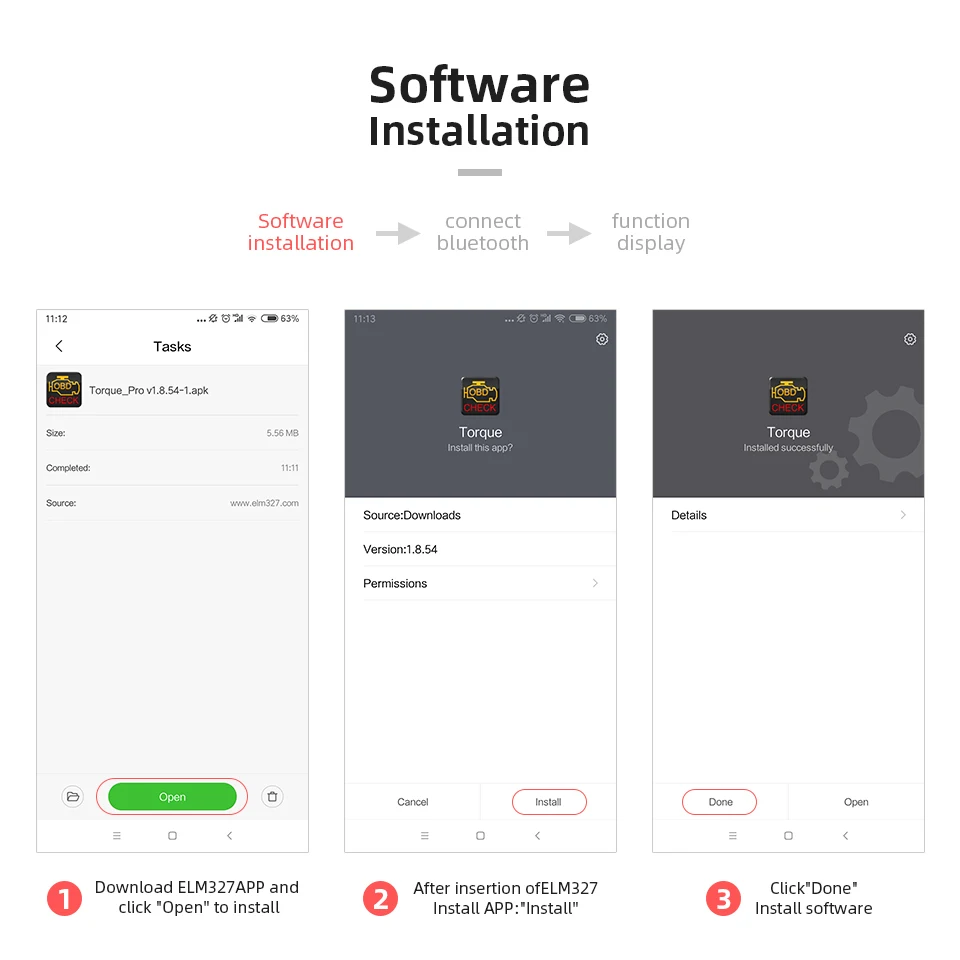
Open your Torque---setting
OBD 2 Adapter Settings
Connection Type---choose Wifi---back
Select Quit,then reopen the software and waiting for connection
Software Address:
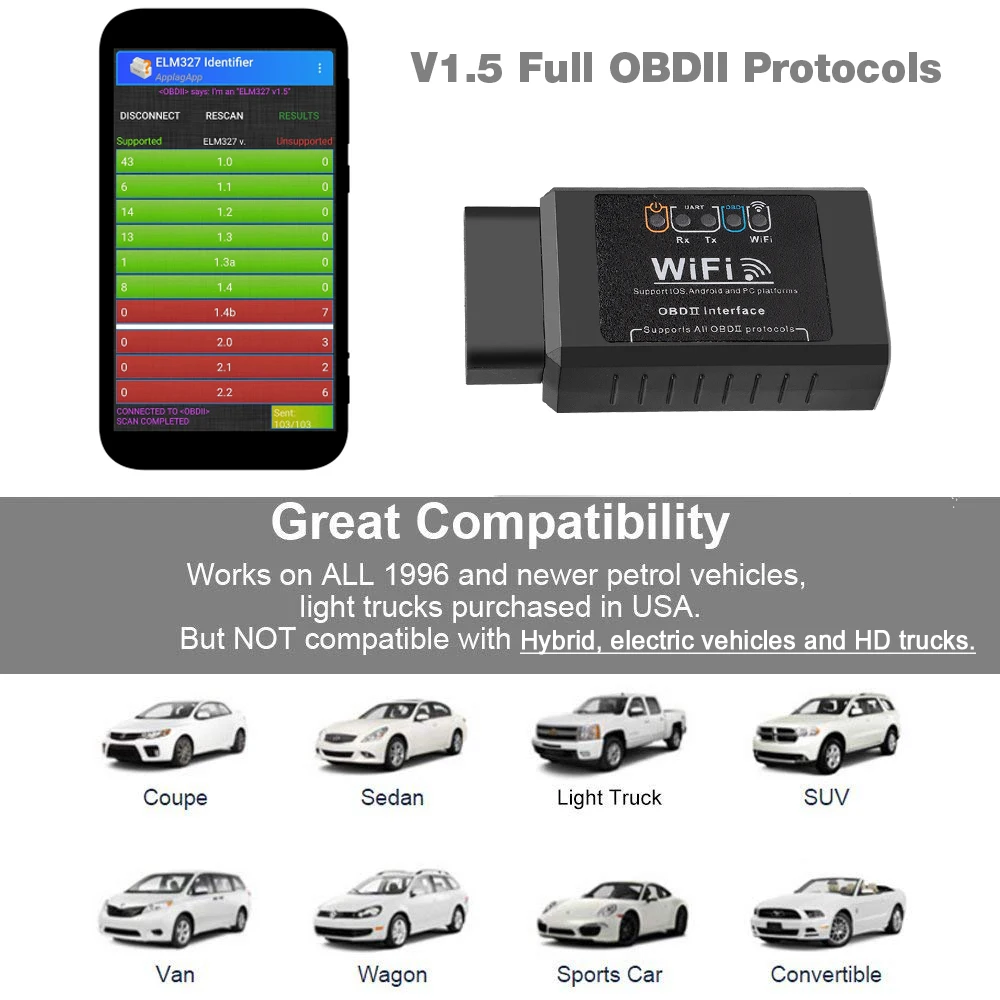
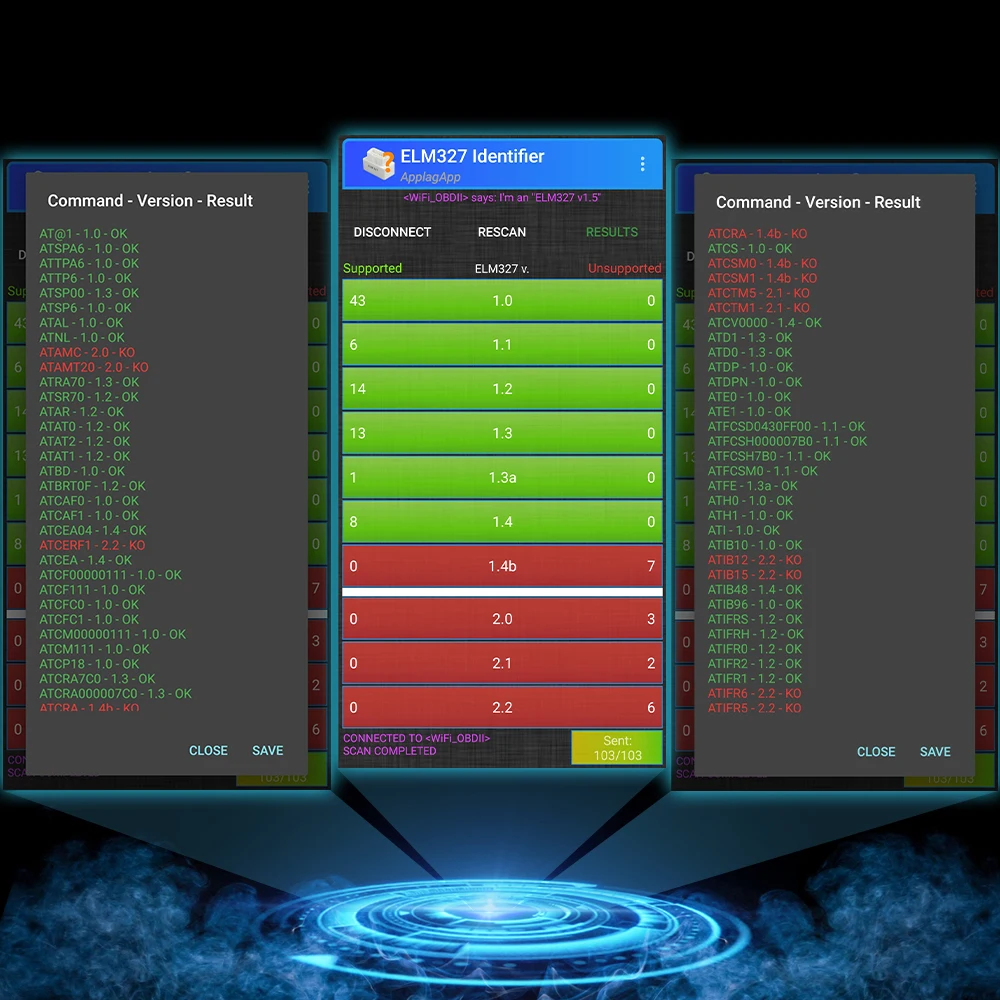
Android: ELM327 dentifier/Torgue/Dashcommand/Auto Doctor
Supported Protocols:
1.SAE J1850 PWM (41.6Kbaud)
2.SAE J1850 VPW (10.4Kbaud)
3.ISO9141-2 (5 baud init, 10.4Kbaud)
4.ISO14230-4 KWP (5 baud init, 10.4 Kbaud)
5.ISO14230-4 KWP (fast init, 10.4 Kbaud)
6.ISO15765-4 CAN (11bit ID, 500 Kbaud)
7.ISO15765-4 CAN (29bit ID, 500 Kbaud)
8.ISO15765-4 CAN (11bit ID, 250 Kbaud)
9.ISO15765-4 CAN (29bit ID, 250 Kbaud)
Compatible systems:
Window/IOS/Android/Symbian
Compatible software:
Window: ScanMaster-ELM, ScanTool.net, PCMSCAN ELM, etc.
IOS: Auto Doctor, Mini OBDII
Android: Torque, DashCommand, OBD Car Doctor, Auto Doctor, Mini OBD, EOBD, etc.
Symbian: OBDScope




 Enter store